21/10/2026 10:51
After Cleaning, Which Demo Comes Next? YouTube End Screens for Cambodian Fan Shops
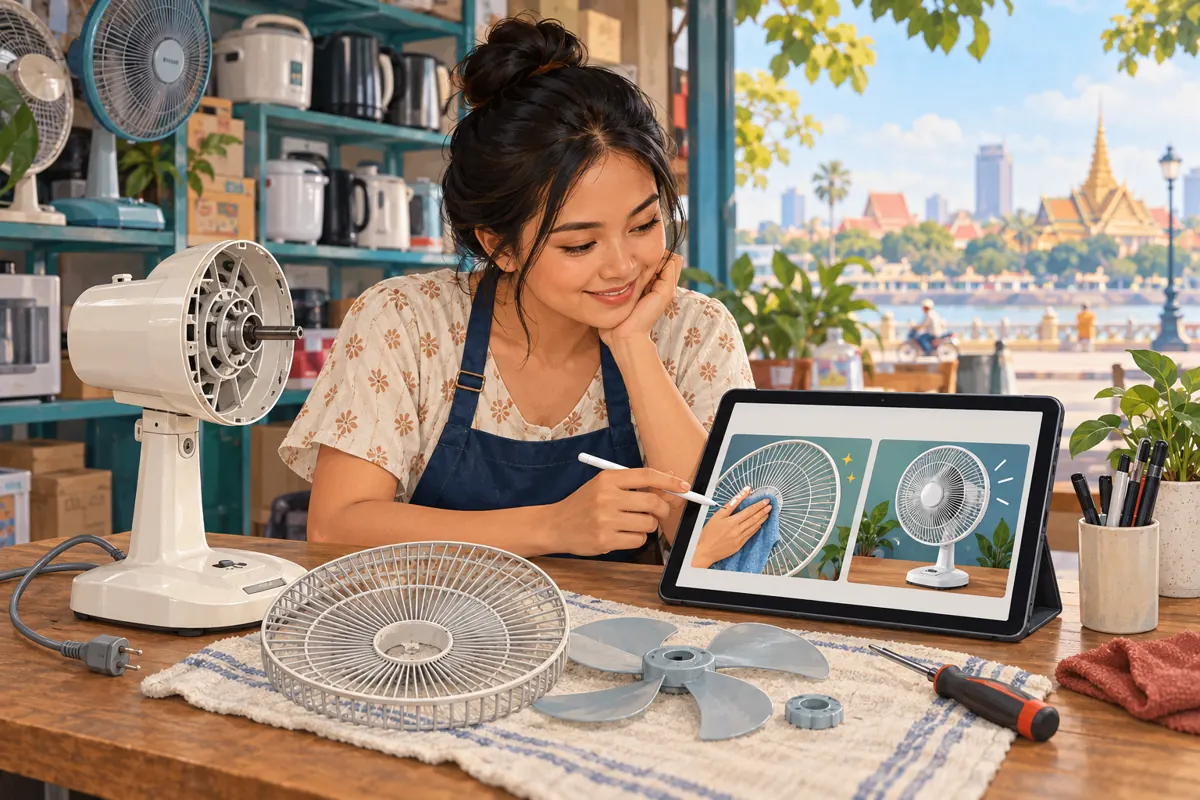
A customer finishes watching your fan-cleaning demonstration, then wonders which video explains putting the grille back correctly. If the next recommendation leads to an unrelated appliance promotion, your shop has missed a useful opportunity to help. For Cambodian fan retailers, a carefully planned YouTube end screen can connect that completed lesson with a relevant follow-up. The work starts with choosing the right question, continues through filming and playback checks, and ends with an honest review of what viewers actually did. This workflow also helps SMM-panel customers distinguish a useful content journey from a purchased engagement count.
1. Define the question that remains after the demonstration
Start by writing two sentences: what this video resolves, and what someone may reasonably need afterward. In a hypothetical Phnom Penh fan shop, the first video explains cleaning a removable grille according to the model’s instructions. The next question might concern identifying the matching grille or understanding the model’s reassembly guide. It probably is not which rice cooker is on sale. A useful continuation follows the viewer’s task rather than the shop’s latest promotional priority.
Keep essential instructions within the original lesson. Do not remove the final step merely to force another view. If the current video promises a complete demonstration, it should deliver that promise before recommending anything else. The follow-up should add a related explanation, comparison or model-specific detail. Ask a colleague unfamiliar with the edit to describe what remains unclear. Their answer gives you a better starting point than choosing whichever upload has the largest visible count.
2. Check whether an end screen fits the video
YouTube’s official end-screen guidance places these elements in the final 5–20 seconds of videos at least 25 seconds long. They are unavailable on videos designated made for kids. A specific video can be selected as the destination. Check these requirements before promising an interactive ending in your script.
Treat eligibility as a production check, not a reason to stretch a short clip. A brief product detail may already answer its question completely. Adding a long farewell solely to accommodate a recommendation can make that explanation less convenient. For the hypothetical fan shop, use this workflow on a normal demonstration with a natural closing moment. If the existing edit finishes abruptly while the presenter is still handling the grille, plan a clearer ending for the next recording rather than covering the action with a recommendation.
3. Choose a destination by relevance, model and language
Review each candidate video against three practical questions. Does it address the next task? Does it show the same model or clearly explain the difference? Can the intended customer understand it? A Khmer-speaking presenter should not casually promise another Khmer explanation when the destination contains only English narration. Model names can remain in their original form, but the transition should make any language change clear before the viewer chooses to continue.
In a hypothetical Battambang shop, two fans may look similar while using different grille fasteners. A general title such as “Finish Cleaning Your Fan” could hide that distinction. Choose a destination whose title, opening shot and explanation identify the relevant model. Watch it through before linking it. If no suitable follow-up exists, record one or leave the recommendation out. An unrelated destination does not become useful simply because there is an empty space available at the end.
4. Film an ending with room for the recommendation
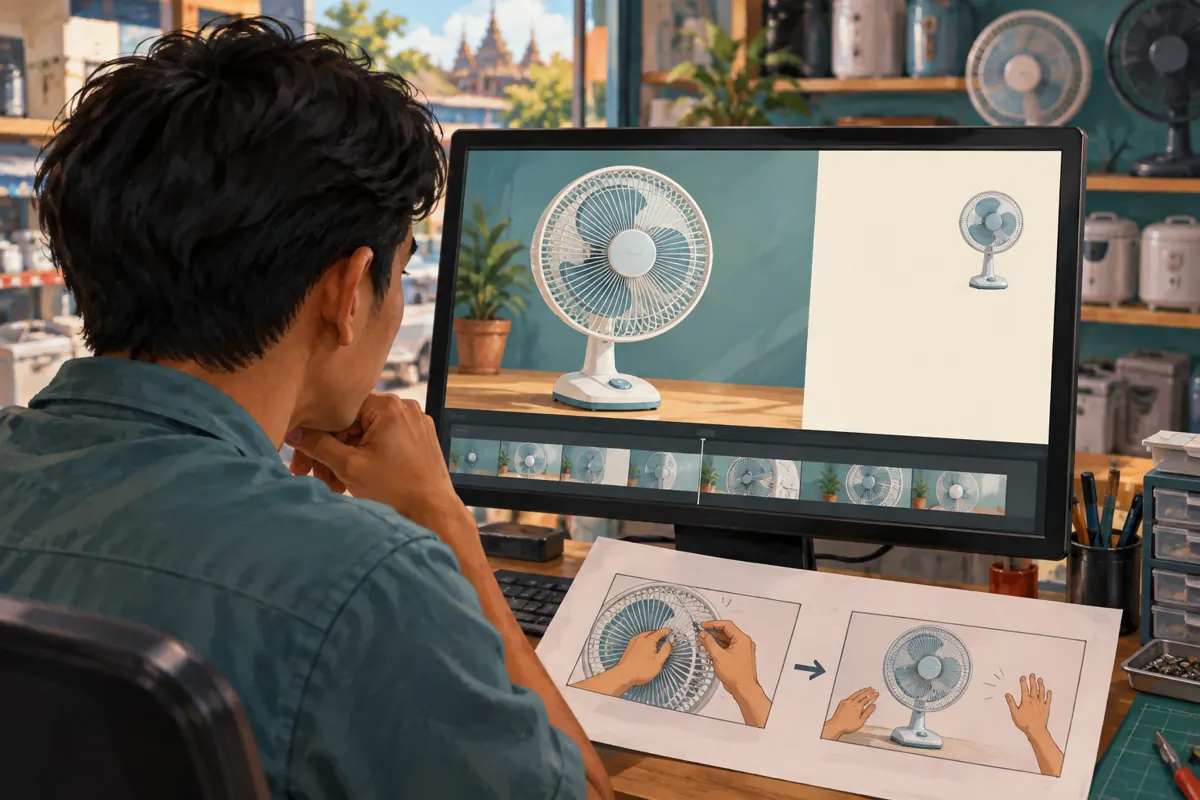
Sketch the closing frame before filming. Show where the fan, presenter’s hands and important details will remain, then reserve an uncluttered area for the recommendation. Finish the physical demonstration before moving into that composition. For this hypothetical example, the fan remains unplugged during cleaning and reassembly, and the shop follows the manufacturer’s instructions. The article’s illustrations explain video planning; they are not repair instructions.
Write one spoken transition that names the benefit of continuing. For example: “For the matching grille on this model, watch our identification guide next.” Avoid vague directions such as “Click there,” especially when the presenter points toward a position that may later change during editing. Keep the invitation calm and specific. A short pause can give viewers time to consider the destination, but a prolonged blank ending provides little value. Preview the closing sequence with sound off as well, checking that the visible subject still explains what comes next.
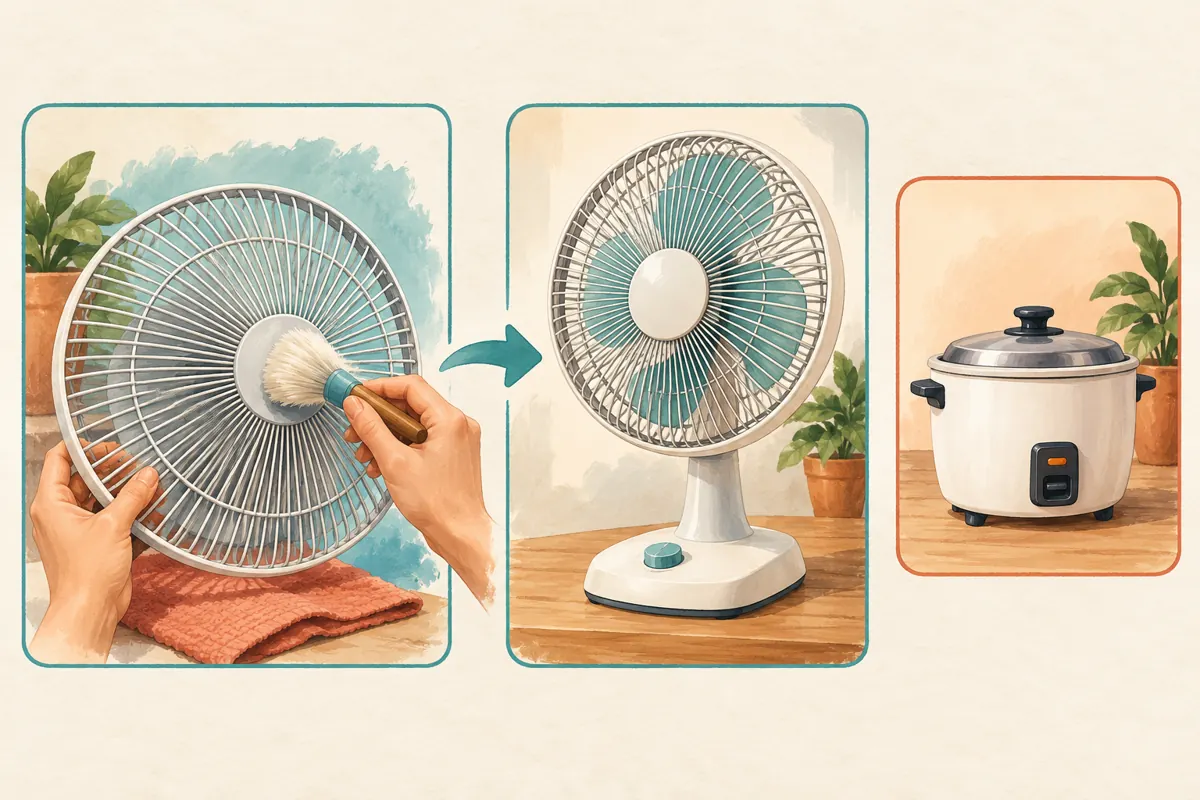
5. Add the element and verify the saved destination
In YouTube Studio, open Content, select the video, then Editor and End screen. Choose a video element and select the intended follow-up. Adjust its placement and timing, preview playback, and save. YouTube also offers automated video choices, but a fixed destination is easier to check when your spoken invitation names one particular lesson.
Keep a small working note containing the source video, destination video, model shown and approval date. This helps another staff member understand why the connection exists. After saving, check the destination again rather than assuming the thumbnail alone identifies it correctly. Similar uploads can be easy to confuse, particularly when several recordings use the same workbench and product angle. If a colleague edits the ending later, give them the note alongside the video brief so the spoken promise and selected destination stay aligned.
6. Test the journey on the devices customers use
Play the closing sequence on a phone and follow the recommendation yourself. Check whether it covers the grille detail, competes with captions or appears before the explanation finishes. Then watch the destination’s opening. The important test is whether someone can understand the connection without remembering your internal planning notes. Ask a colleague to try the journey without coaching and explain what they expected to see next.
YouTube notes that end screens may display differently or not appear, and viewers can hide them. Most mobile-web viewing also lacks them. Keep a plainly described route to the follow-up in the description as a fallback. When sharing the original video through customer conversations or other social channels, test how that link opens on the actual device. Record whether you checked the app or a browser; “works on my phone” is too vague to help resolve a later viewing problem.
7. Separate learning from enquiries and orders
A viewer who chooses another demonstration may be maintaining a fan already owned, helping a family member or comparing products. None of those actions automatically means an intention to buy. Decide what a useful enquiry would contain before promoting the video. For this shop, it might include the model name and a question about a replacement grille. The enquiry process should help staff identify the request without pretending that a video click reserves stock.
Make the follow-up useful even when no purchase follows. Explain the product distinction promised by its title, then provide an appropriate way to ask a remaining question. Avoid mixing an evergreen maintenance lesson with a temporary stock claim unless someone is responsible for updating it. A Cambodian shop serving customers outside its immediate area should also clarify delivery arrangements during the actual enquiry. Watching both videos does not establish that the viewer is nearby or within the shop’s delivery coverage.
8. Apply a policy check before considering SMM services
An SMM catalogue entry does not establish that a service supports this workflow. One supplied public label is “YouTube - Subscribers - 𝐁𝐎𝐓 ~ Max 10k ~ 10k/day ~ Instant ~ 𝐍𝐎 𝗥𝗘𝗙𝗜𝗟𝗟”. Its wording identifies a bot-labelled subscriber offering; the supplied description is empty. The quantities, timing and other wording in that title are catalogue claims, not independently verified performance. Nothing supplied establishes genuine interest, Cambodian viewers or relevant follow-up viewing.
YouTube’s fake-engagement policy prohibits artificially increasing engagement metrics and warns that a hired promoter’s methods can affect the channel. Do not use artificial subscriber or view services to support this plan. Ask about the actual promotion method before committing money, and decline methods that violate the platform’s rules. Purchased engagement is not evidence of sales, ad delivery or Cambodian users. Keep any existing panel transaction records separate from the editorial review, and do not promote artificial-engagement services inside the video or its description.
9. Review navigation and customer questions separately
YouTube provides an end-screen element click-rate metric under the video’s Analytics and Engagement area. Use it as a navigation signal. It does not establish why someone clicked or whether the next lesson answered their question. Agree on a review date, record the destination in use, and note other changes that could affect interpretation, such as replacing the thumbnail or sharing the video in a new place.
Maintain a separate, minimal question log without unnecessary customer details. In a hypothetical review, staff might notice repeated requests about the lower grille clip even though viewers can reach the next video successfully. That suggests a content gap, not necessarily a navigation fault. Review the destination’s explanation before changing the end screen. Conversely, if people cannot identify which video to choose, improve the closing invitation or thumbnail. Change one meaningful part at a time so the next review can distinguish what was altered.
10. Prevent the common mistakes during handover
The most avoidable mistake is letting the spoken invitation describe a different video from the one selected. Another is placing the recommendation over the exact detail the customer came to inspect. Other problems include linking to an outdated model, assuming a subscription means local buying interest, and interpreting every enquiry after promotion as a result of the end screen. Each mistake begins with skipping a specific check, so assign responsibility for the destination, final frame and reporting notes.
Give one staff member ownership of periodic destination reviews. Recheck the connection when the follow-up changes, becomes unavailable or no longer reflects the products being discussed. Keep a brief change note explaining the reason for any replacement. A small shop does not need an elaborate reporting system: a reliable video pair, a tested route and a record of unresolved questions can be enough. Expand the sequence only when another lesson solves a real customer need.
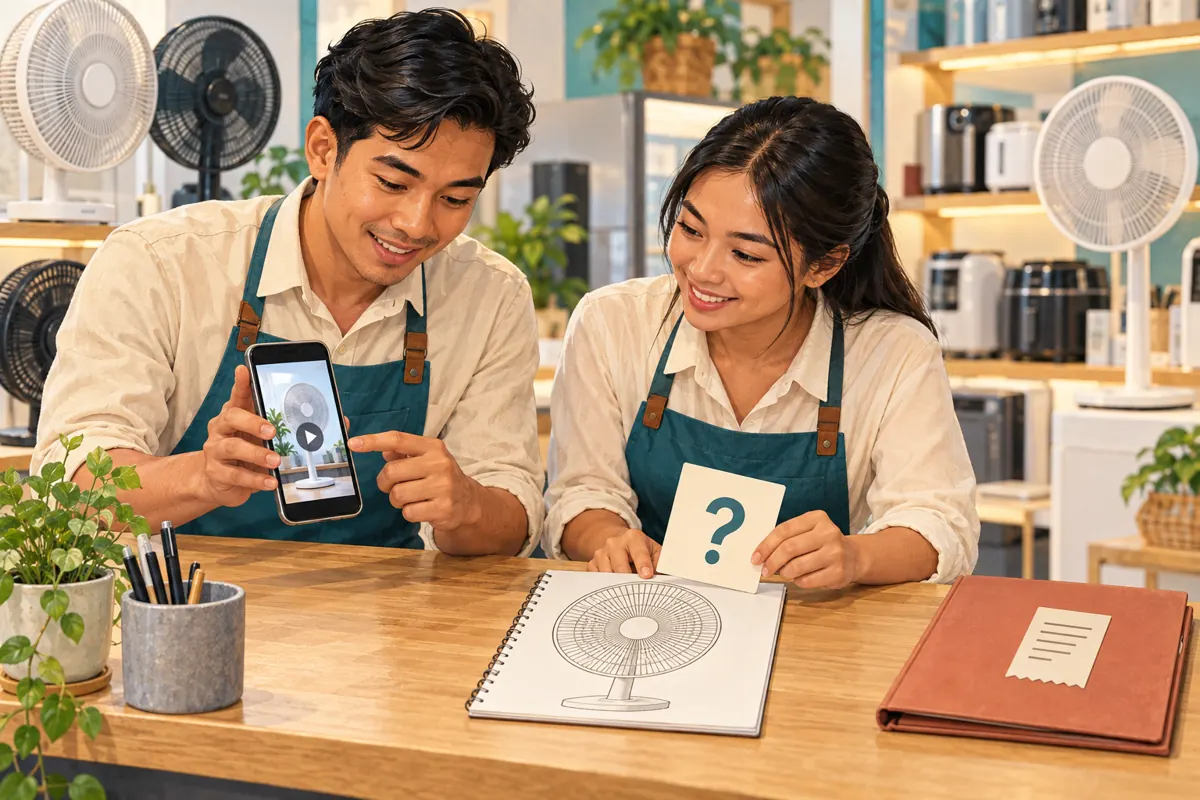
Frequently asked questions
Should every fan demonstration lead to the newest upload?
No. Choose the video that best continues the current task. A new appliance promotion may be less relevant than an older, accurate model guide. If the spoken ending names a particular lesson, keep the selected destination consistent with that promise. Reassess older guides when products or instructions change.
What if the original video has no clear space at the end?
Preview possible placement before making changes. If every position hides an essential detail, do not sacrifice the explanation. Provide a clear route in the description and plan a better closing composition for a future recording. Avoid replacing a useful final demonstration step with a promotional screen merely to include the feature.
Does a higher end-screen click rate mean the shop has more buyers?
It indicates interaction with the recommendation, not a confirmed purchase or local audience. A person may be seeking maintenance help for something already owned. Assess actual enquiries separately, using the product question and any voluntarily supplied context. Only confirmed transactions belong in a sales record.
Can the shop use an English follow-up after a Khmer demonstration?
Yes, if the connection remains useful and the language change is made clear. Check whether the destination can be understood by the intended audience through its explanation, captions and visuals. Where comprehension is uncertain, a suitable Khmer follow-up may serve customers better than a technically related video they cannot follow.
Should a purchased subscriber increase influence the next-video choice?
No. It does not tell you which fan question customers need answered. Use genuine questions, product differences and the completeness of your existing lessons. Artificial engagement also conflicts with YouTube’s policy. A catalogue label or completed panel order cannot substitute for evidence that viewers understood the demonstration or wanted the follow-up.
Explore the current service catalogue, create an account, or ask a specific question through support tickets.
Prepared with AI assistance. Illustrations explain the workflow and do not represent customer results.