19/10/2026 15:02
Should Every Demo Notify Subscribers? A YouTube Upload Workflow for Cambodian Hardware Shops

A Cambodian hardware shop can film several useful demonstrations during one quiet afternoon: reading a tape measure, comparing clamps, changing screwdriver bits and organising a tool case. Finishing those videos together does not mean every subscriber needs an announcement about all of them immediately. The practical question is which uploads deserve attention now, which belong in a slower release plan, and which mainly support individual customer questions. This workflow helps a small shop make that decision before publication. It also explains why buying subscribers through an SMM panel cannot solve a notification problem or establish that local customers want the videos.
1. Give each finished video a customer purpose
Start with a simple inventory of the finished recordings. For each one, write the customer question it answers, the intended viewer and the next useful action. A clamp comparison might help someone choose between two products. A close-up of a particular adjustment screw might help an existing owner. Both can be valuable, but their audiences differ. Avoid treating every completed edit as an equally important announcement merely because the production work is finished.
In a hypothetical Phnom Penh hardware shop, the owner identifies a general measuring guide as useful to many customers. A tool-case insert demonstration serves a much narrower group. The owner marks the first as a candidate for the next subscriber-facing release and the second as a reference resource. These are editorial decisions, not predictions of views. Ask whether a regular viewer would understand why this particular video arrived today.
2. Understand the setting's two effects
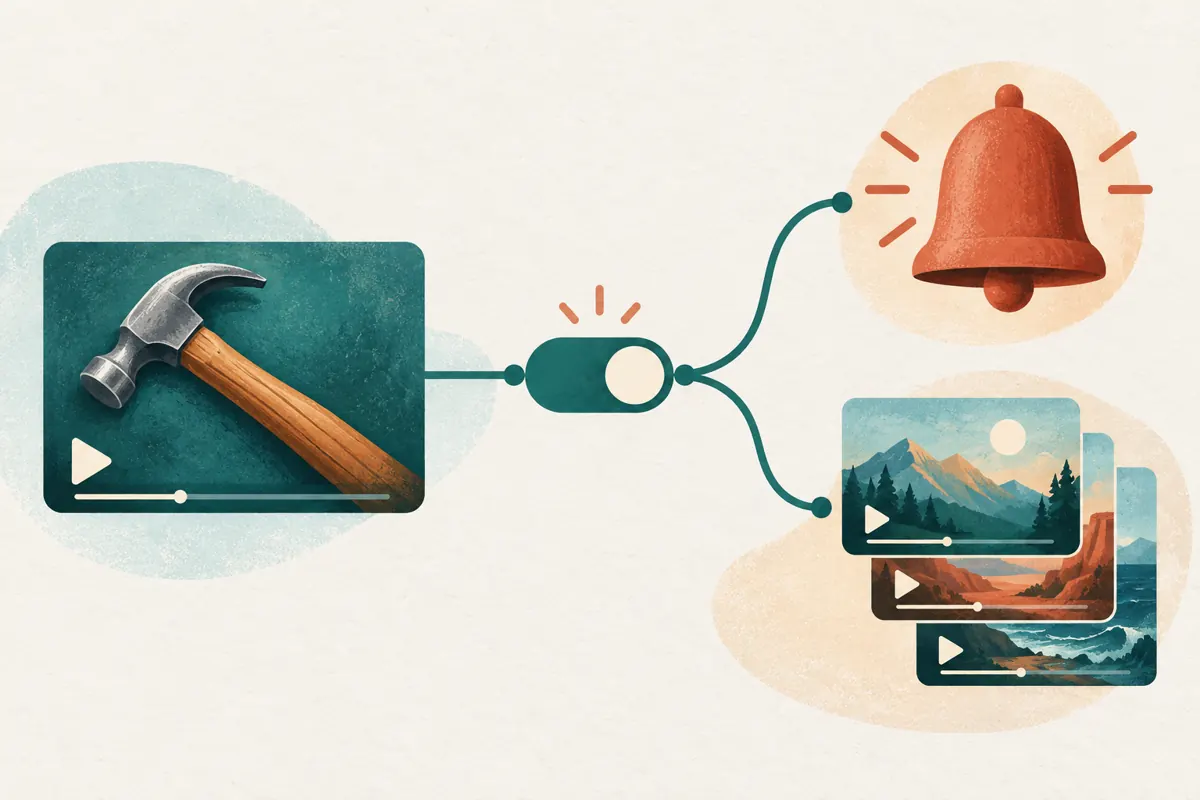
YouTube's upload control combines notifications with inclusion in the Subscriptions feed. In the desktop upload flow, open YouTube Studio, choose Create, then Upload videos, select the file and enter its details. Open Show more and locate the License section. To skip notifications, clear the checkbox labelled “Publish to subscriptions feed and notify subscribers.” YouTube says this also keeps the upload out of subscribers' Subscription feeds. See [Skip sending upload notifications](https://support.google.com/youtube/answer/7457584?hl=en).
That combined effect matters for the shop's decision. A shopkeeper might want a quieter release while still expecting regular subscribers to encounter it in their feed. This checkbox does not provide that particular combination. Before using it, identify another practical way customers will find the resource, such as receiving its link when they ask the relevant question. Record the intended choice beside the video title so an assistant does not interpret “quiet release” differently.
3. Choose between announcing, holding and providing a reference
Use three questions to decide what happens next. Is the information ready and accurate? Does it answer a question shared by the audience you are trying to serve? Is there a useful reason to release it now? If all three answers are yes, consider it for the next announcement. If it is useful but overlaps heavily with another planned release, hold it. If it addresses an unusually specific product detail, decide whether direct sharing would serve customers better.
In the hypothetical shop, two recordings explain almost the same clamp adjustment. Publishing both immediately would make the choice harder for someone seeking a straightforward answer. The owner selects the clearer demonstration and revises the other around a genuinely different question. A finished file is not a publishing obligation. This decision process also prevents the team from using notifications to compensate for vague titles, unnecessary duplication or a demonstration that still needs correction.
4. Prepare together, but avoid a publication burst
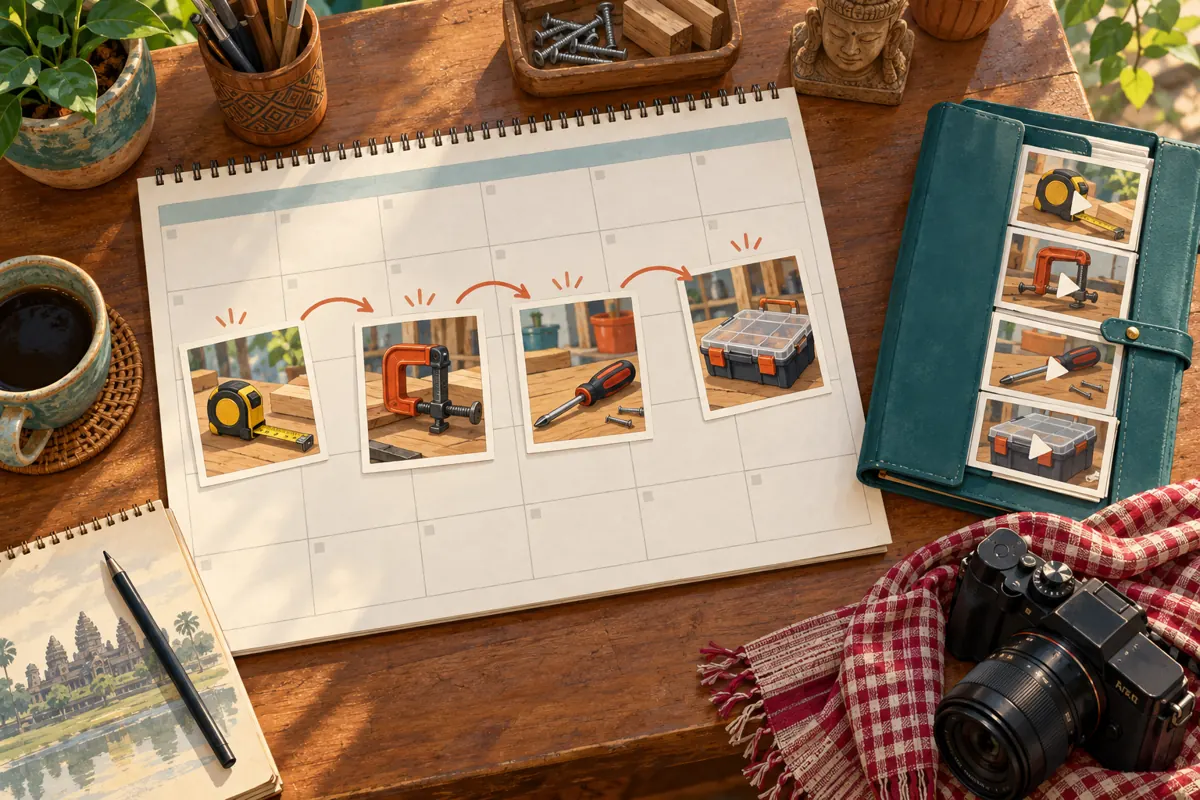
YouTube limits viewers to three new-video notifications from a channel within 24 hours, including uploads, live streams and premieres. It also warns that publishing more than three videos in a short period can temporarily stop notifications for 24 hours, even if most uploads have notifications disabled. Its troubleshooting guidance suggests uploading a batch privately first and publishing videos at different times. See [Fix subscriber notification problems](https://support.google.com/youtube/answer/7389684?hl=en).
Build the shop's release plan around usefulness and staff capacity rather than trying to fill every available notification opportunity. In a hypothetical weekly plan, the measuring guide goes first, the clamp comparison follows on another suitable day, and the remaining demonstrations stay in preparation. Write times explicitly in Cambodia time when coordinating with an overseas editor. The spacing is an operational choice, not a guaranteed formula for reach. Leave room to change the plan if a product detail becomes inaccurate.
5. Make the announced video ready for the resulting questions
Before releasing the selected demonstration, ask a colleague to watch it as a customer. Can they identify the exact tool being shown? Are the relevant measurements visible? Does the explanation distinguish what the product does from what the shop merely expects it to do? For a Khmer-speaking audience, review the spoken explanation and any supporting text with someone who understands the terminology. Keep model identifiers consistent wherever customers will use them to ask questions.
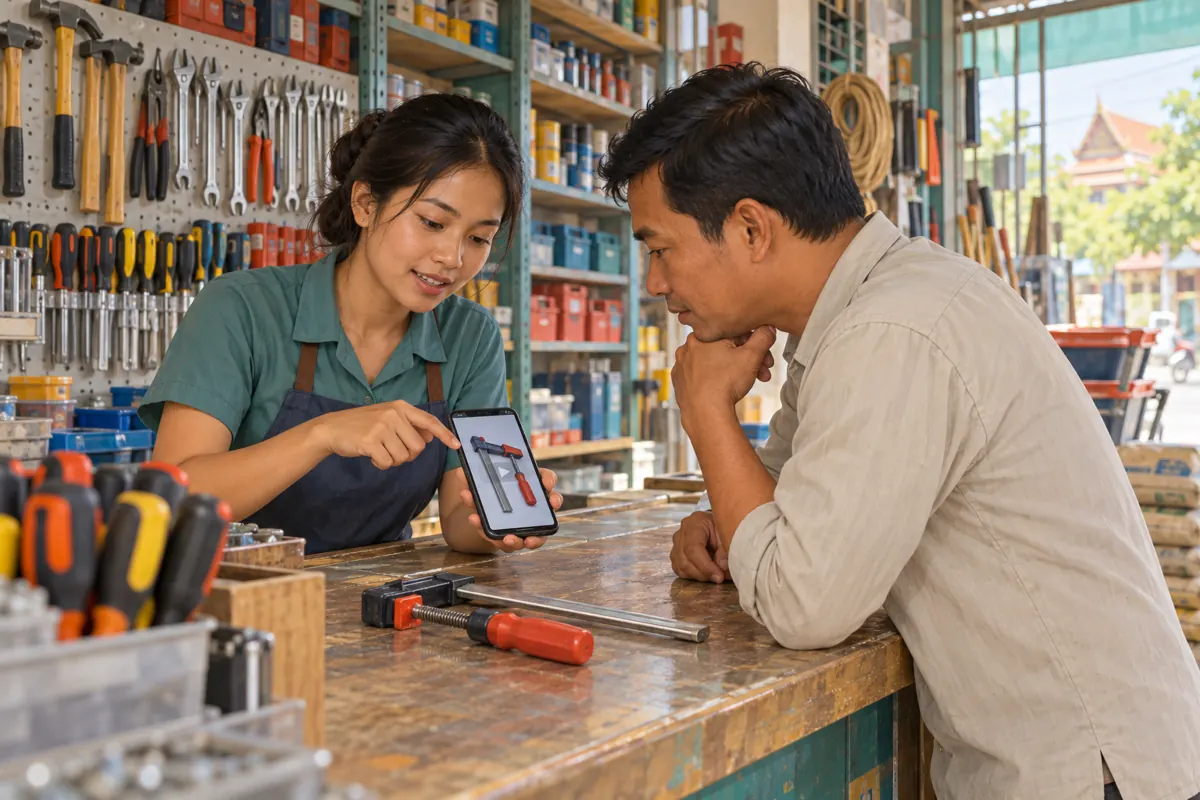
Prepare the reply work as well. The colleague handling enquiries should know which products appear, what information is confirmed and what still requires checking. A hypothetical clamp video might prompt questions about jaw opening or suitability for a particular workpiece. The reply should request the missing measurement instead of promising a fit from an unclear photograph. Choose a release window when someone can handle those conversations. An alert creates an opportunity to communicate; it does not complete the customer's decision.
6. Give reference videos a deliberate route to the viewer
A reference video needs a distribution plan even when it does not warrant a broad announcement. Keep a short staff index matching recurring questions to the appropriate video. Use descriptions that make sense to the person answering customers, such as “adjusting the small clamp handle” rather than an internal filename. When sharing, explain why the link is relevant and which product it shows. This turns the video into a practical answer instead of an unexplained message.
In a hypothetical counter conversation, a customer asks how to reposition a clamp handle. The assistant confirms the model, shares the matching demonstration and asks whether the customer can identify the same mechanism. If the mechanism differs, the assistant stops treating that video as the answer. Avoid sending the entire video library to every enquirer. Relevance is the useful part of direct promotion, and the customer's actual question should determine which resource gets shared.
7. Investigate a missing alert before changing the campaign
If a colleague says no alert arrived, first distinguish that observation from a channel-wide failure. Record which video they expected, when it became public and whether the upload was intended to notify subscribers. Review the recent publication history. Avoid repeatedly changing visibility just to provoke another alert: YouTube says making a video private shortly after publication can interrupt notification delivery. The same troubleshooting guidance explains that personalised notifications can arrive later and device settings can block alerts.
Ask the colleague to describe what they checked without sending private account information. Did they look for a phone alert, or did they open YouTube? These are different observations. Current YouTube guidance also distinguishes push alerts from in-app notifications for inactive subscribers who selected All notifications. A missing lock-screen alert alone therefore cannot establish what happened for everyone. See [YouTube's notification update](https://support.google.com/youtube/blog/425764939/updates-to-youtube-push-notifications-to-keep-your-audience-engaged?hl=en-GB).
8. Read notification analytics within their limits
When available, use the Subscriber bell notifications card under Studio Analytics, Audience, to examine channel-level notification eligibility. For an individual video, open its Analytics and Reach tab to find Bell notifications sent. YouTube says these cards appear when there are enough reachable subscribers. Notifications CTR concerns clicks on notifications; it is different from thumbnail impressions CTR. A missing card should remain an unavailable measurement, not become an invented zero. See [Check subscriber notifications](https://support.google.com/youtube/answer/9336507?hl=en).
Keep a separate note about customer usefulness. Did a viewer ask a specific product question? Did a staff member successfully use the demonstration to explain a mechanism? Did the conversation reveal missing information? Record these as observations without claiming that a notification caused them unless the customer actually explains that connection. One enquiry can suggest an improvement to the next video, but it cannot prove a general conversion rate. Review comparable demonstrations together and retain the uncertainty.
9. Do not buy subscribers to repair notification reach
The supplied catalogue includes “YouTube - Subscribers - 𝐁𝐎𝐓 ~ Max 10k ~ 10k/day ~ Instant ~ 𝐍𝐎 𝗥𝗘𝗙𝗜𝗟𝗟”. Its title identifies a bot-labelled subscriber offering; the supplied description is empty. The title's quantity, speed and refill wording are catalogue claims, not verified delivery facts. Nothing supplied establishes Cambodian viewers, notification eligibility or interest in hardware demonstrations. It is not an appropriate remedy for missing alerts.
YouTube prohibits artificial increases in engagement metrics and says a hired promoter's actions can affect the channel. Spam subscribers are excluded from its counts. See [YouTube's fake engagement policy](https://support.google.com/youtube/answer/3399767?hl=en). For this workflow, reject artificial subscriber services rather than testing whether they make an alert report look stronger. Purchased engagement is not evidence of genuine interest, sales, advertising delivery or Cambodian users. An SMM order record cannot replace platform notification data or customer conversations.
10. Review the next batch using what customers needed
After the release cycle, review the decisions while they are still understandable. Note which video was announced, which remained on hold, which became a reference resource and why. Include any confirmed publication mistake, such as choosing the wrong upload option. Keep operational errors separate from content weaknesses: a confusing product comparison needs a clearer explanation even if its release settings were correct. Assign one person to make the next practical improvement.
Common mistakes include announcing near-duplicate demonstrations, assuming a completed edit must go live immediately, comparing unrelated videos as though they had identical audiences, and calling every quiet launch unsuccessful. Another is allowing an outdated stock statement to remain in an otherwise useful guide. For the hypothetical hardware shop, the next batch should answer unresolved customer questions more clearly. Success means building a dependable library and a manageable publishing routine, with evidence kept proportionate to what the team actually observed.
Frequently asked questions
Should a small Cambodian shop notify subscribers about every demonstration?
There is no universal rule. Consider how broadly the question matters, whether a similar demonstration was just released and whether the team can handle follow-up enquiries. A small library can still deserve careful selection. Do not suppress a useful release merely because the channel is small, or announce a repetitive one simply to maintain activity.
Can I switch off the alert but keep the upload in the Subscriptions feed?
The upload checkbox discussed here controls both together. Clearing it removes both routes for that upload. If feed inclusion matters to your plan, reconsider the release timing instead of treating the checkbox as a separate phone-alert control. Make this tradeoff explicit in the staff publishing note.
Does a low notification click-through rate mean the demonstration failed?
It does not establish that conclusion. First examine whether the video's purpose was broad discovery, a product comparison or support for a narrow question. Then consider the actual customer response. Avoid comparing a specialised adjustment guide with a general buying guide as though both should produce the same pattern of attention.
What should we do if several videos need to be ready for a shop event?
Prepare and review them before the event, then choose a clear introduction that explains what visitors can learn. Plan how staff will share the individual demonstrations when relevant. Do not leave every publication decision until the opening morning. If the materials cannot be checked in time, reduce the scope rather than release unclear instructions.
Can an SMM provider guarantee that Cambodian subscribers receive our next alert?
The supplied service information establishes no such capability. A subscriber order does not demonstrate a person's location, notification settings or intent to watch. Ask what evidence supports any claim, and decline artificial engagement. Use the actual upload configuration, official troubleshooting guidance and genuine viewer feedback to investigate notification questions.
Explore the current service catalogue, create an account, or ask a specific question through support tickets.
- YouTube Help: Skip sending upload notifications
- YouTube Help: Fix subscriber notification problems
- TeamYouTube: Updates to YouTube Push Notifications to Keep Your Audience Engaged
- YouTube Help: Check subscriber notifications
- YouTube Help: Fake engagement policy
Prepared with AI assistance. Illustrations explain the workflow and do not represent customer results.