19/10/2026 18:31
Whole Door or Frame Detail? YouTube Thumbnail Testing for Cambodian Screen Shops

A mosquito-screen demonstration can answer a useful shopping question yet remain difficult to recognise from its thumbnail. A distant doorway may hide the fitting detail; a close-up of mesh may leave viewers unsure what the product is. For Cambodian businesses promoting installation services, choosing the opening image deserves a deliberate process. This guide follows a hypothetical screen shop comparing three honest images for one YouTube video. It explains how to prepare the comparison, use native testing when eligible, interpret the result, and decide why purchased engagement cannot establish which image attracts suitable customers.
1. Start with one customer question
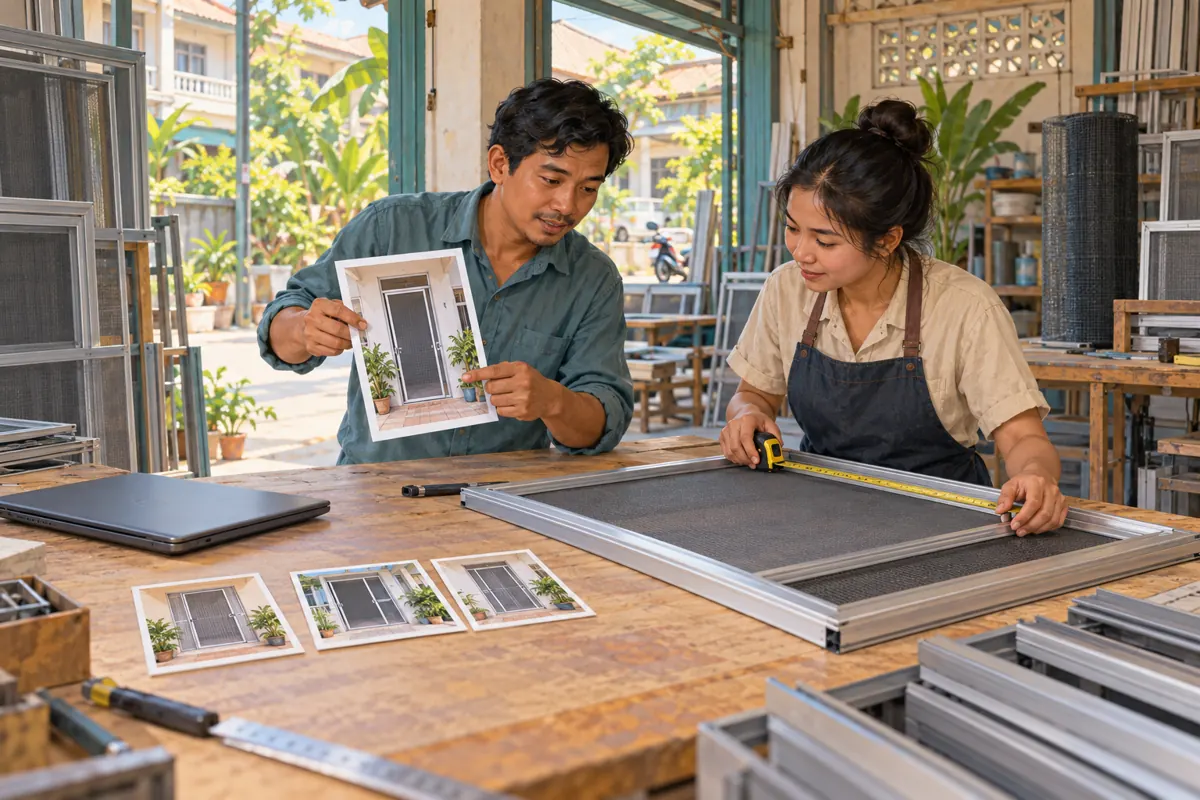
Imagine a hypothetical Phnom Penh shop that installs hinged mosquito-screen doors. Its demonstration shows a sample doorway, the frame connection and the opening movement. Customers often ask whether a screen can fit beside their existing door. The shop therefore writes one planning question: which image best introduces a demonstration about fitting and clearance? This is more useful than asking which design looks most impressive.
Choose a video whose contents still match the product the shop offers. Watch it before designing anything. Identify the moment that explains the fitting issue and check whether the demonstration actually shows the promised clearance. If that explanation is missing, improve the content first. A different thumbnail cannot supply an answer absent from the footage.
Give the exercise a modest business purpose: help viewers recognise a relevant demonstration before contacting the shop. Do not define success as proving that every viewer needs an installation.
2. Write the promise before selecting the picture
Write a sentence describing what a viewer will learn, such as: this demonstration shows how one hinged screen opens within a sample doorway. Keep that sentence beside the design brief. It prevents a striking image from quietly changing the subject to insect protection guarantees, universal compatibility or a complete installation tutorial.
For the hypothetical shop, a suitable working title might describe a hinged screen fitting demonstration. Keep the title unchanged during the proposed thumbnail comparison. This is an editorial choice that makes the lesson easier to explain: the shop is comparing visual approaches while preserving the same verbal promise.
YouTube’s official thumbnail and title guidance recommends accurate titles and uncomplicated, readable designs. Apply that advice to the actual product: preserve the frame edges, show the hinge arrangement faithfully and avoid retouching away a clearance gap. A cleaner picture should make the hardware easier to understand, without making the installation appear different from the demonstration.
3. Check whether native testing is available
YouTube’s A/B testing documentation says the feature requires desktop Studio and advanced-feature access. Shorts, private videos, made-for-kids content and mature-audience videos are ineligible. Check the selected video before preparing a full test.
Assign this check to the person who normally manages the channel. A designer only needs the approved video reference, the content brief and the image requirements; sharing account credentials is unnecessary. Record whether testing is available for this particular video instead of assuming that another channel’s interface will match.
If the feature is unavailable, make an editorial selection using the review process below. Ask colleagues to describe the expected subject, compare their answers with the footage and choose the clearest accurate image. Describe that outcome internally as a design decision. It is not an audience experiment, and it does not establish a performance advantage.
4. Build alternatives around different information
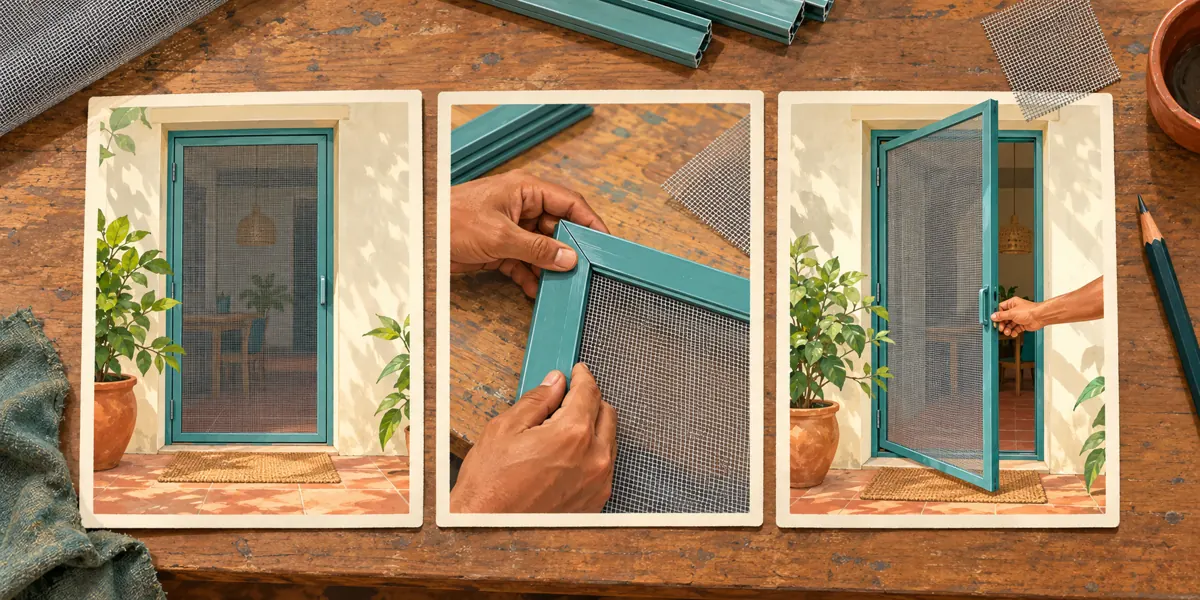
Prepare a whole-door option that shows the installed screen within the doorway. Its purpose is recognition: a viewer should understand the product and its setting. Remove distracting objects from the composition, but retain enough surrounding structure to make the doorway understandable.
Prepare a fitting-detail option that shows the frame corner and its relationship to the opening. Its purpose is explanation: it should make the practical installation issue visible. Avoid cropping so tightly that the photograph could represent a window frame, a shelf or unrelated metalwork.
Prepare an opening-action option showing the screen partly open. Its purpose is to introduce movement and clearance. Use a moment genuinely shown in the demonstration, with the same hardware and orientation.
These are hypothetical creative alternatives, not predicted winners. Keep their basic production quality comparable. If one is bright and sharp while another is accidentally blurred, the exercise mixes the information question with an avoidable quality difference. Save descriptive filenames so colleagues can identify each concept without guessing.
5. Review recognition on a small screen
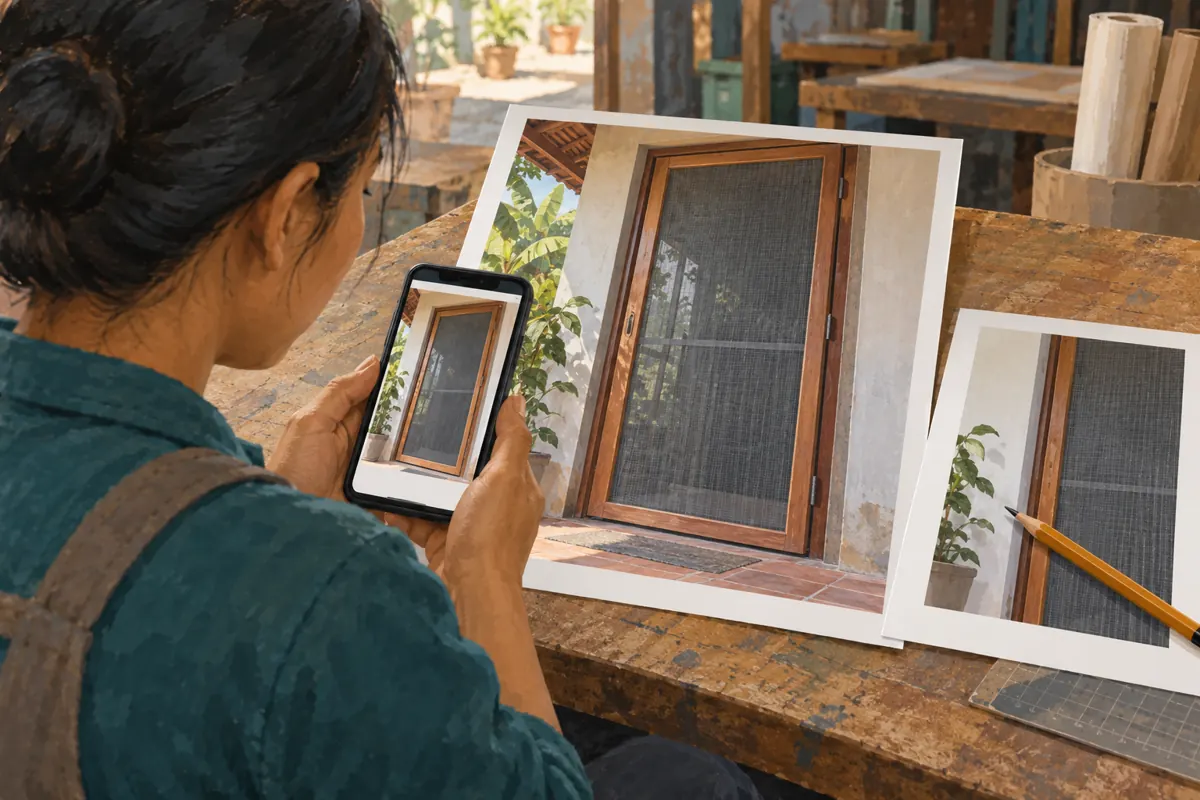
Show each image at a small viewing size on a phone, alongside the intended title. Ask a colleague who did not edit the video what product they expect to see and what question they think it answers. Ask for a description before asking for a preference. Someone can like an attractive doorway photograph while misunderstanding the video completely.
For a Cambodian audience, choose any thumbnail wording according to the language of the intended viewers and the demonstration. If Khmer text is needed, have a fluent reader check the finished export. Keep it brief enough to support the picture. Do not squeeze a bilingual price list, address and installation explanation into the same image.
Check whether hands obscure the fitting, whether the mesh disappears against the background and whether the door looks open or closed. These are concrete editing problems. Correct them before testing rather than hoping audience data will explain a confusing composition.
6. Set up a comparison the team can maintain
In desktop Studio, open Content, select the video and choose A/B Testing under Thumbnail. Select Thumbnail only, upload up to three alternatives and click Done. YouTube says changing the title or thumbnail during testing stops the test. Results can take up to two weeks.
Keep a brief internal record containing the video reference, unchanged title, candidate filenames, start date and responsible editor. Add one sentence explaining the difference being examined. For this hypothetical shop, that sentence could be: compare product recognition, fitting detail and opening movement.
Tell colleagues that an experiment is underway so someone does not replace the image during routine tidying. Also record unusual promotional activity, such as a partner sharing the demonstration with a new audience. This gives the later discussion useful context. If an image contains an incorrect product detail, correct the problem promptly; preserving an experiment is less important than keeping the public information accurate.
7. Use a decision rule before reading the result
YouTube evaluates the alternatives using watch time share. Its documented outcomes include Winner, Performed Same and Inconclusive. Review the result through the video’s Reach analytics. Without a clear winner, the first uploaded option becomes the default; you can subsequently choose another.
Decide beforehand how the shop will respond. When the reported winner remains accurate and suitable for the current offer, retain it and save the result wording. When the result does not distinguish the alternatives, choose according to clarity: which image most plainly introduces the fitting question? Record that reasoning without claiming the platform proved it superior.
Keep the conclusion narrow. A result for a particular doorway demonstration does not establish that close-ups always work for Cambodian shoppers. A future video about cleaning mesh may need a different image altogether. Treat the outcome as information about this creative decision, then carry forward a question worth investigating rather than an inflexible design rule.
8. Keep SMM panel services outside the test conclusion
The supplied public catalogue includes “YouTube Like ~ Max 100k ~ 50k/days ~ Instant ~ 𝐍𝐎 𝗥𝗘𝗙𝗜𝗟𝗟”. The title identifies a likes listing. Its description is empty, so it provides no supporting explanation of delivery methods, audience location or suitability for research. Treat the other wording as catalogue labels, not independently verified promises.
A likes order cannot answer whether the whole-door image communicates the fitting issue better. Purchased engagement is not evidence of genuine interest, sales, ad delivery or Cambodian users. It also does not establish which thumbnail someone encountered or why they watched.
YouTube’s fake engagement policy prohibits artificial increases in views, likes, comments and other metrics. It also makes clear that a hired promoter’s actions can affect the channel. Do not order artificial engagement to influence or supplement this comparison. For an SMM panel customer, the useful decision here is to redirect effort toward accurate creative work and legitimate audience communication, rather than treating a catalogue purchase as research.
9. Review customer enquiries as a separate business question
After selecting the image, examine the questions the shop actually receives. In a hypothetical enquiry, a homeowner might ask whether the demonstrated screen can fit behind a metal security door. Record the practical issue and what information staff need next. A doorway photograph and approximate dimensions may help start a discussion, while a final fitting assessment may require inspection.
Do not assume that the person saw the winning image. They may have followed a shared link, received the video from a relative or already known the shop. Ask how they found the demonstration when useful, and retain uncertainty when they cannot remember.
Use recurring questions to improve future content. If people understand the product but repeatedly ask about outward-opening doors, plan a separate explanation of that configuration. If they mistake the demonstration for a fixed installation price, review the offer wording. These observations can inform the next production brief without converting a thumbnail result into an unsupported sales claim.
10. Avoid shortcuts that obscure the lesson
Changing a thumbnail on Monday and replacing it again on Friday creates a weak comparison if the audience and promotion also change. Without controlled evidence, describe what happened as an observation. Do not attribute every rise or fall to the picture.
Another mistake is asking staff to pick their favourite colour while ignoring the customer’s question. Return to the written promise. A visually fashionable crop may hide the very hinge or clearance detail that makes the demonstration useful.
Finally, do not redesign indefinitely because the result feels unsatisfying. Choose a defensible image, record the unresolved question and move to the next useful improvement. For the hypothetical screen shop, filming a clearer explanation of measurement requirements may be more valuable than another nearly identical crop. Maintain a small archive of approved images and decisions so the next editor can understand what was tried and why.
Frequently asked questions
Should a Cambodian shop always put Khmer text on its thumbnail?
Choose wording for the intended viewers and the video’s language. A recognisable product image may need little text. When Khmer wording helps explain the subject, use a fluent reviewer and check the finished image at small size. Adding both Khmer and English is useful only when both remain readable and necessary.
Can we test a dramatic image if the product is technically present?
First ask whether the overall impression matches the demonstration. A tiny screen door behind an exaggerated insect scene may imply a protection claim the video never establishes. Use a picture that introduces the actual fitting question. Technical inclusion of the product does not make an otherwise misleading promise appropriate.
What should we do when the channel gets too little activity for a useful conclusion?
Accept uncertainty and choose the most accurate, understandable image through editorial review. Continue sharing the demonstration where it is relevant and welcome. Buying engagement does not resolve the evidence gap. Spend the next production effort on a concrete unanswered customer question rather than forcing a result from limited information.
Should we test the title and image together?
For this workflow, keep the title stable because the question concerns the picture. Changing both makes it harder for the team to explain which creative element informed its decision. A later exercise can examine wording separately, using a new written question and an appropriately documented process.
Does a winning thumbnail mean we should promote the installation offer more widely?
Review business readiness separately: service area, fitting capacity, product availability and the clarity of the enquiry process. A thumbnail result concerns video presentation. It does not demonstrate that viewers live within your service area, have suitable doorways or intend to buy. Expand promotion based on the offer and operational evidence as well.
Explore the current service catalogue, create an account, or ask a specific question through support tickets.
- YouTube Help: A/B test titles & thumbnails
- YouTube Help: Thumbnail & title tips
- YouTube Help: Fake engagement policy
Prepared with AI assistance. Illustrations explain the workflow and do not represent customer results.